FreeUndelete is a free Windows utility that recovers deleted files - including files permanently removed from the Recycle Bin. If you've accidentally deleted something on an NTFS drive, FreeUndelete can get it back.
Recovered files are saved to a location you choose, keeping the original drive untouched to maximize recovery success.

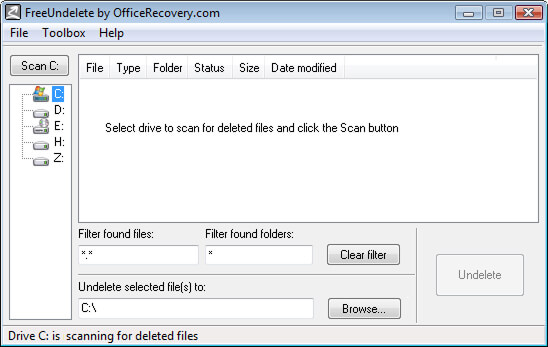
When you delete a file, the data isn't immediately erased - the space it occupied is simply marked as available. As long as nothing has written over that space, FreeUndelete can recover the original file. Acting quickly gives you the best chance of a successful recovery.
Follow these steps to recover your deleted files:
FreeUndelete is effective for accidental deletions on healthy drives, but there are situations where software recovery isn't possible. If any of the following apply to your device, professional data recovery services will be required:
In any of these situations, professional data recovery is the only viable path forward.
If FreeUndelete doesn't detect your device or the deleted files can't be recovered with software, the damage may be physical or the data may require more advanced tools. In that case, our partner Secure Data Recovery offers data recovery services for hard drives, laptops, RAID arrays, and virtually every other storage device including data recovery from external hard drives. With nearly 20 years of proven results, they're a trusted option when software recovery isn't enough.